Media manager
INDEX
The Media Manager serves as a centralized library for uploading, organizing, and managing all the images and files you will use in your email campaigns, landing pages, or templates.
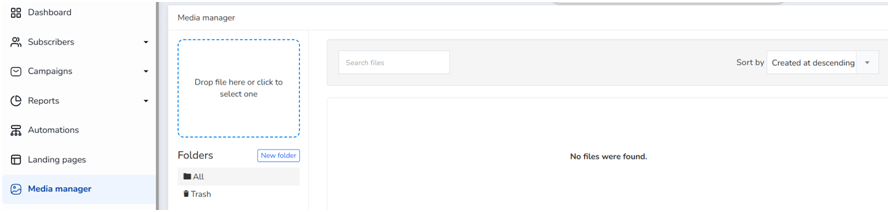
Main functions of this tool:
Centralize images and files:
You can upload images (such as logos, banners or illustrations) by dragging & dropping or selecting them from your computer to have them ready when designing your emails.
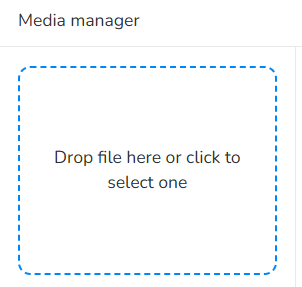
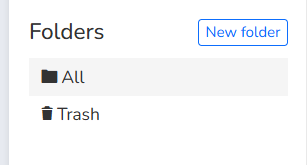
Organization using folders:
Allows you to create folders and classify them to quickly find resources according to the campaign or theme.
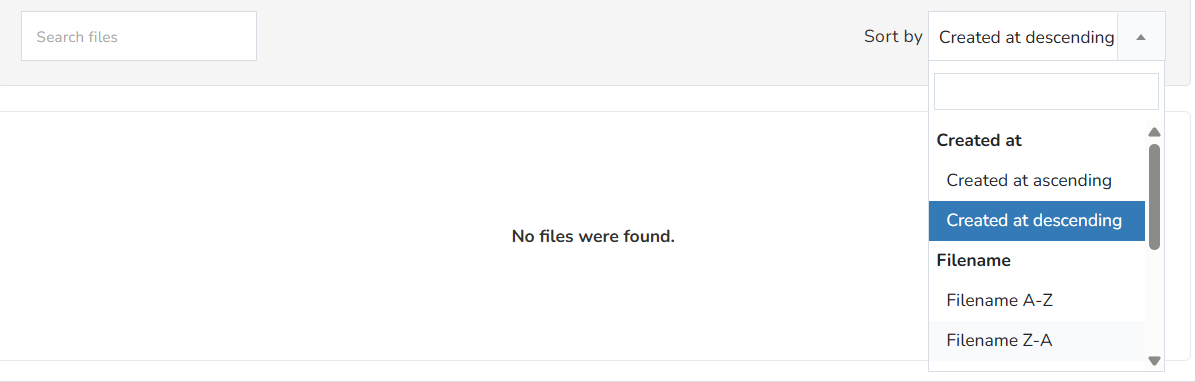
Search and sort:
It has an internal search engine (Search files) and a sorting filter (Sort by) to organize by creation date, file name, file size, or last updated...
Space management and deleted images:
Includes a Trash to recover or permanently delete files you no longer use.

Quick reuse:
Avoid having to upload the logo or the same image over and over again every time you create a newsletter, simply select it directly from this manager within the email editor.
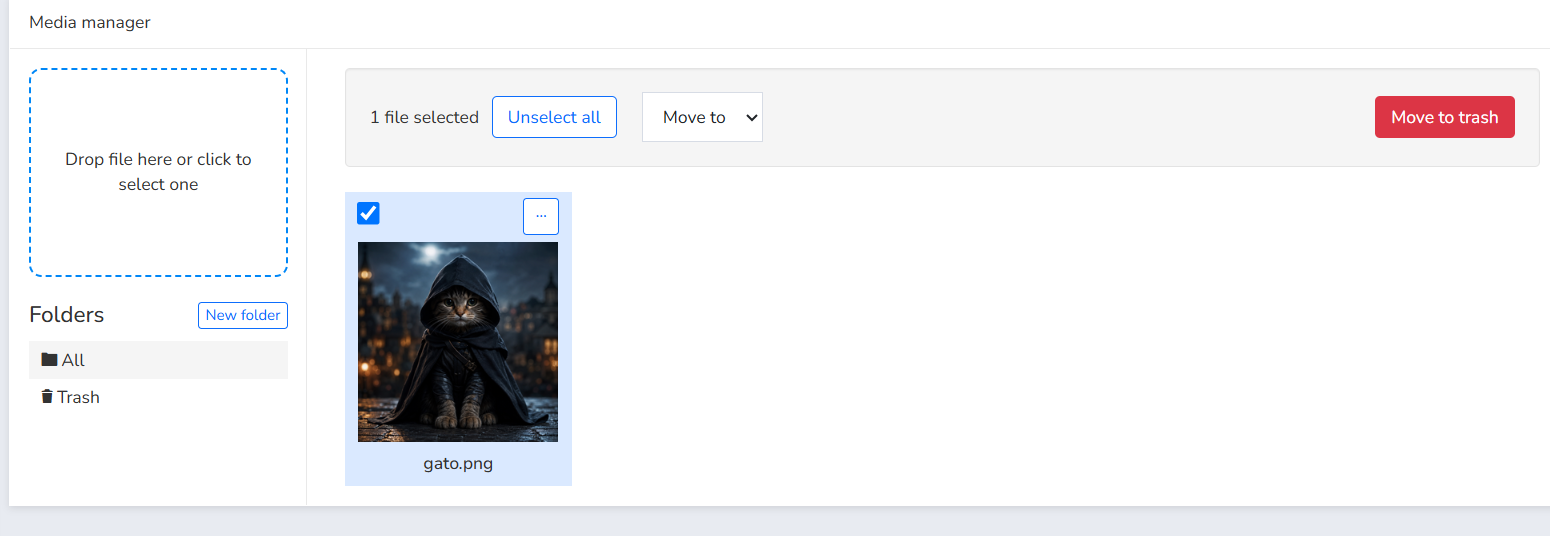
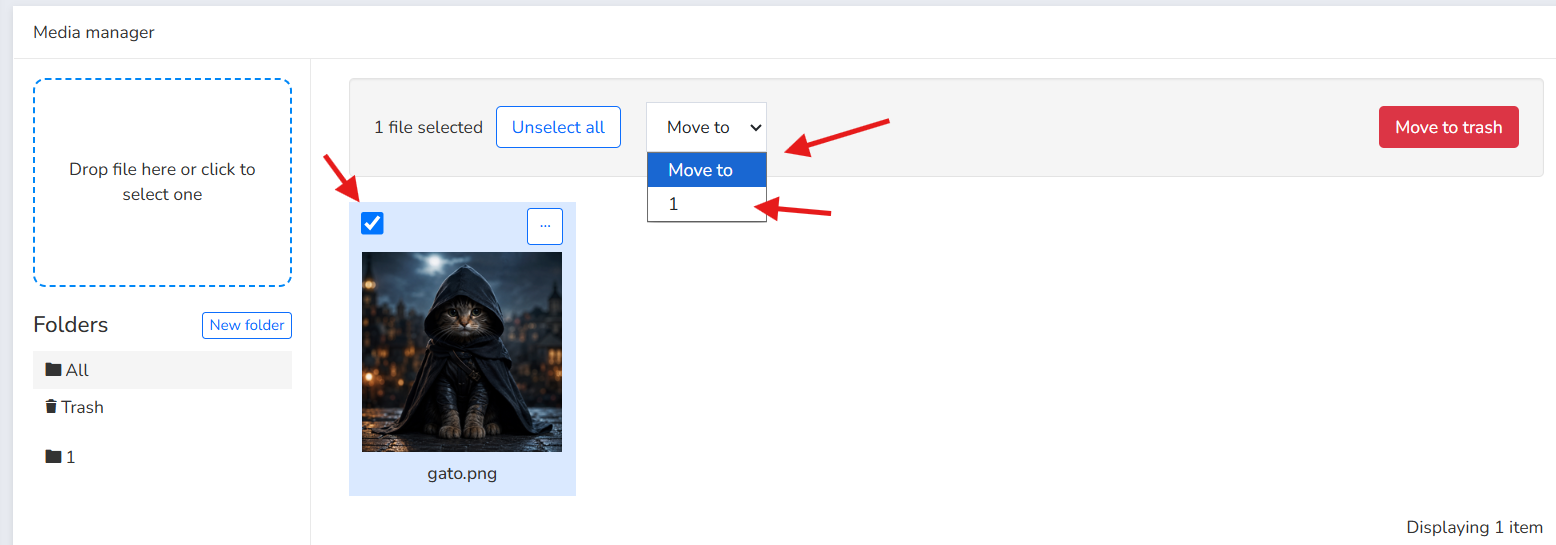
Move image to folder:
To move an image to a folder, select the image, click on Move to, and choose the folder.
You can also delete the image by clicking the Move to trash button.
Was this article helpful?
That’s Great!
Thank you for your feedback
Sorry! We couldn't be helpful
Thank you for your feedback
Feedback sent
We appreciate your effort and will try to fix the article