SMTP Reports
INDEX
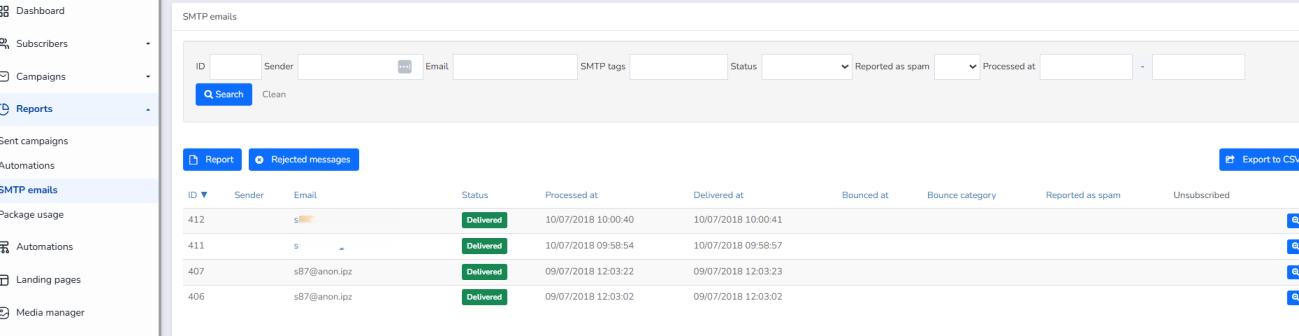
On this screen you will find reports of emails sent via SMTP.
You can select by ID, Sender Email, Email, Tags, SMTP, Status, Reported as spam, Processed on certain dates, click search if you have filled out any of these boxes or clear to clear the filters.
You will be able to see their different statuses, when they were processed, when they were delivered, etc.
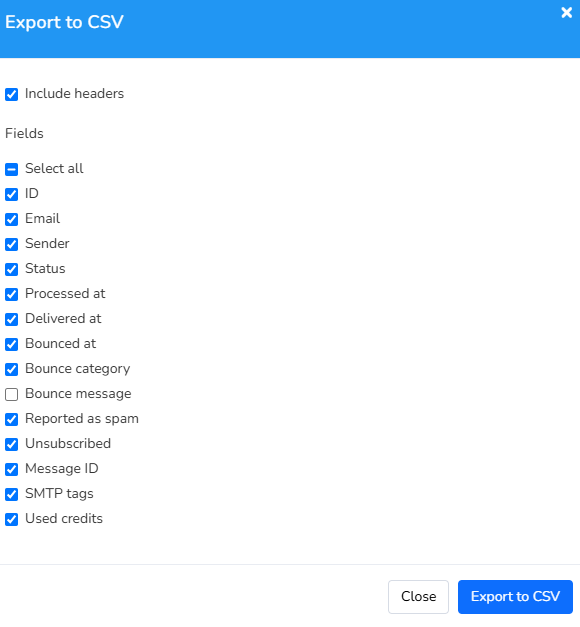
You can also export the data you select to CSV.
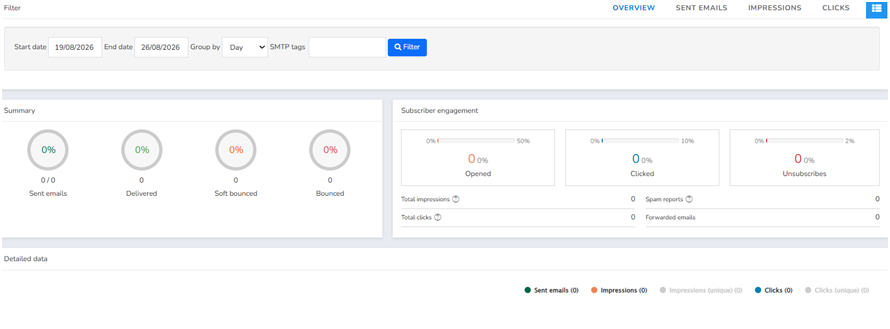
Report button
The report button provides an overview of the report, including sent, delivered, soft bounced, and bounced emails, as well as bars showing the percentage of emails viewed, clicked, and unsubscribed. Detailed data is also available in graph form.
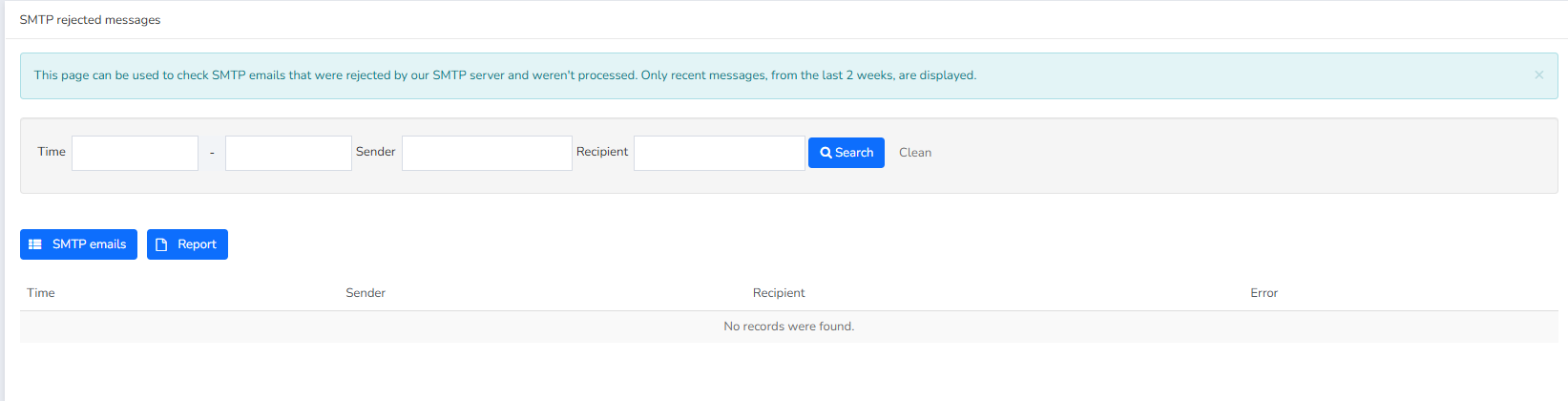
Rejected Messages
The "Rejected Messages" button displays the date, sender, recipient, and the error message if one occurred.
Displays rejections from the last two weeks. Rejected messages are not sent: they do not consume credits, do not count toward your subscriber limit, and do not appear in the API’s `GET /smtp_emails` endpoint. In contrast, a message that is accepted but subsequently bounces *does* consume credits, because an attempt to send it was made.
For example: "Message rejected because recipient has bounced." This indicates that the email bounced because the email address was incorrect or no longer exists.
Another common error is: "Message rejected because sender's email is not confirmed." This means that the sender you're sending from isn't confirmed in Newsletters --> Senders. You would need to add them in that case.
You can view all the types of rejection messages you might encounter here:
Upon authentication (535):
[E1] Package exceeded.
[E2] Your account is not active.
[E12] SMTP service isn't enabled for your account.
[E14] Account temporarily restricted for review.
[E17] SMTP service requires the SMTP + API add-on package or a paid plan.
Sender (550):
[E3] Message rejected because sender's email is not confirmed.
[E8] Message rejected because SPF is not configured for sender.
[E9] Message rejected because DMARC is not configured for sender.
[E13] Sender domain is blacklisted.
[E15] Message rejected because DKIM is not configured for sender.
Recipient (550):
[E4] Message rejected because recipient email or domain is blacklisted.
[E5] Message rejected because recipient has unsubscribed from your messages.
[E6] Message rejected because recipient has bounced.
[E7] Message rejected because receiver reported previous messages as spam.
[E11] Message rejected because recipient has a local ban.
Others:
[E10] Message rejected because SMTP relay isn't enabled for your account. (550)
[E16] Message rejected because From header is missing or malformed. (550)
[E18] Rejected due to internal policies.
Was this article helpful?
That’s Great!
Thank you for your feedback
Sorry! We couldn't be helpful
Thank you for your feedback
Feedback sent
We appreciate your effort and will try to fix the article