I cannot access my account
If you cannot remember your password:
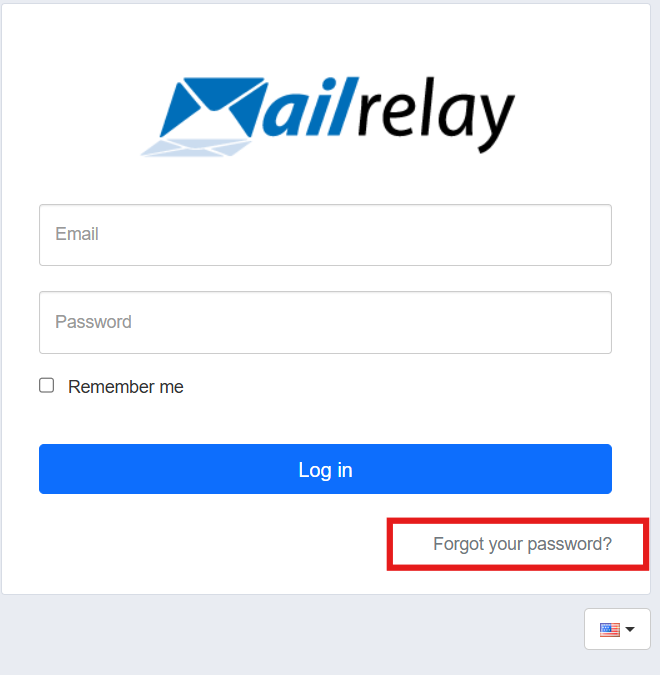
Access your account at yourdomain.ipzmarketing.com, click on "Forgot your password?", and enter the email address associated with the account. You will receive instructions on how to reset your password. When creating a new one, please include a combination of numbers, letters (both uppercase and lowercase), and special characters (such as an asterisk, period, exclamation mark, etc.). Once updated, you will be able to log in again using your new password.
If you do not know your account address:
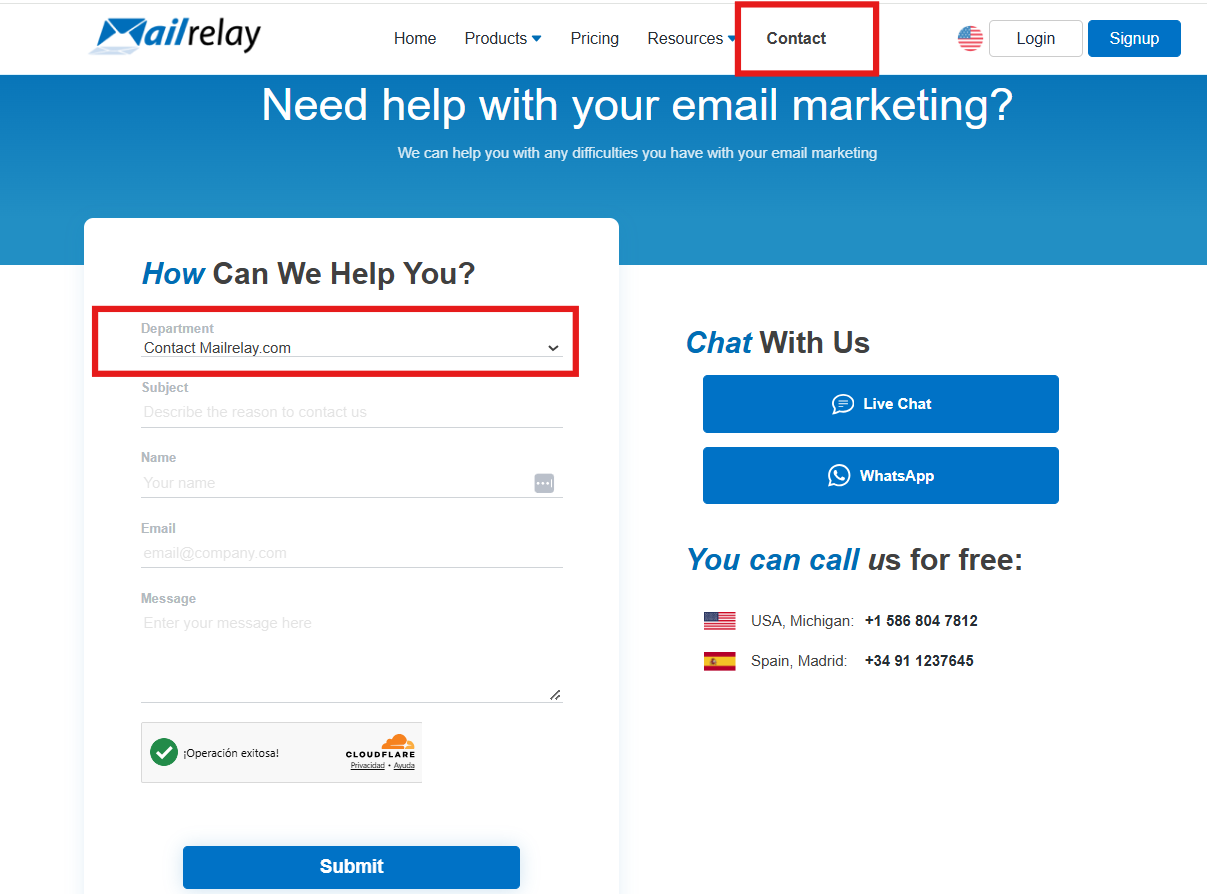
You can submit a support ticket via our website (select the "Contact" department).
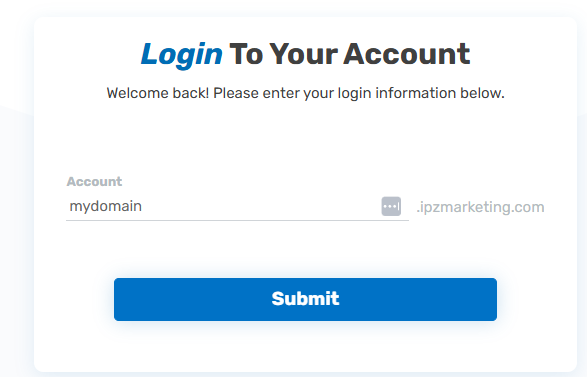
In all cases, the address consists of the domain name you used during registration (excluding extensions like .es or .com), followed by "ipzmarketing.com". For example, if you registered with mycompany.com, your account address will be mycompany.ipzmarketing.com.
If you have lost the device used for 2FA:
If you no longer have access to the device you use for two-factor authentication, follow the steps described in this article to regain access to your account.
If your account was closed due to inactivity:
Please submit a support ticket via our website (select the "Contact" department). A fee of €100 will be charged to recover the account.
Was this article helpful?
That’s Great!
Thank you for your feedback
Sorry! We couldn't be helpful
Thank you for your feedback
Feedback sent
We appreciate your effort and will try to fix the article