INDEX
You can find help right from on our website
You can request help at www.mailrelay.com under Contact you will find Live chat or WhatsApp options to get help.
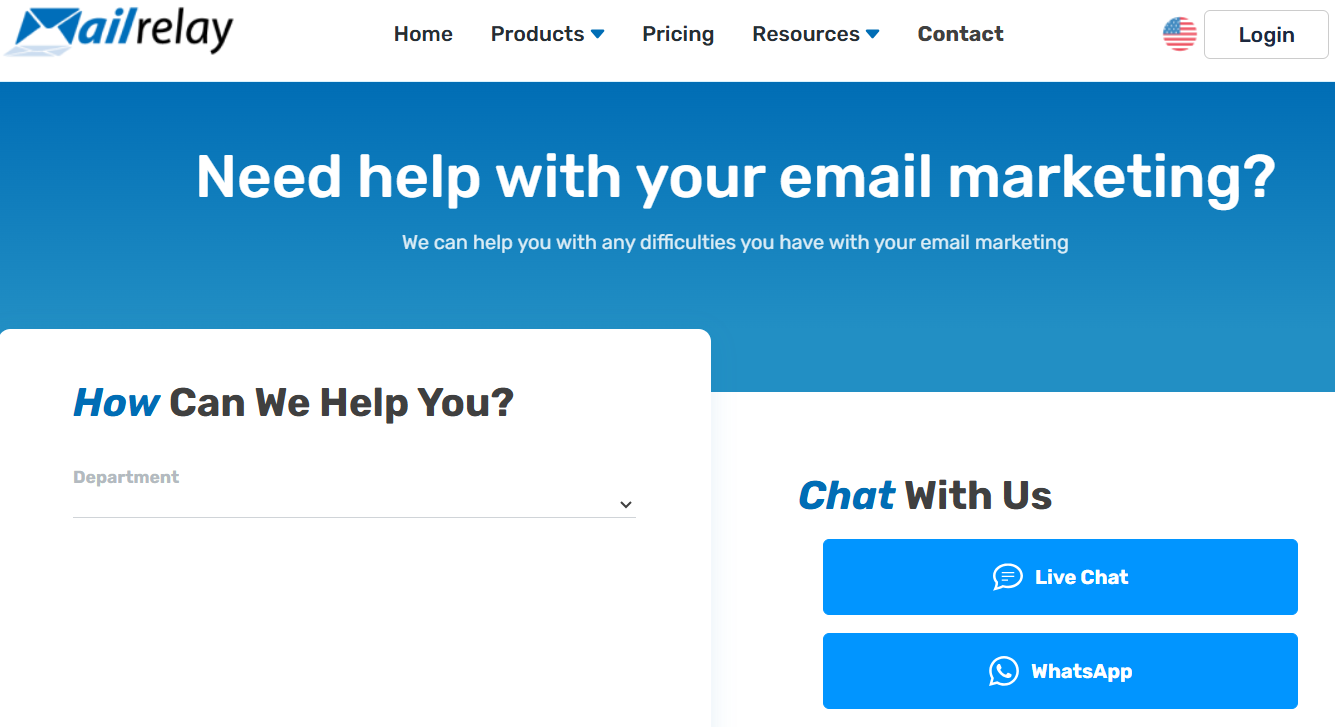
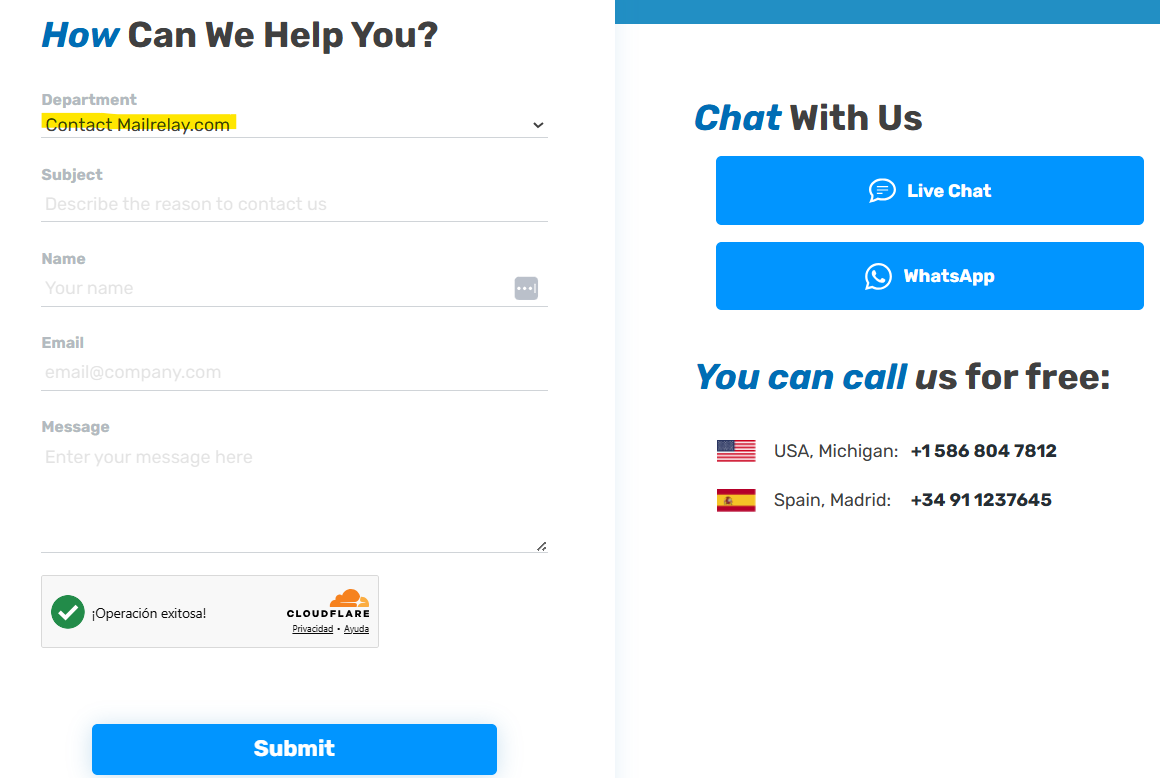
It's also possible to submit a support request ticket using the form to the left "How Can We Help You?".
Choose the department to which you wish to submit your inquiry and just send your help request.
Finding help inside your Mailrelay account
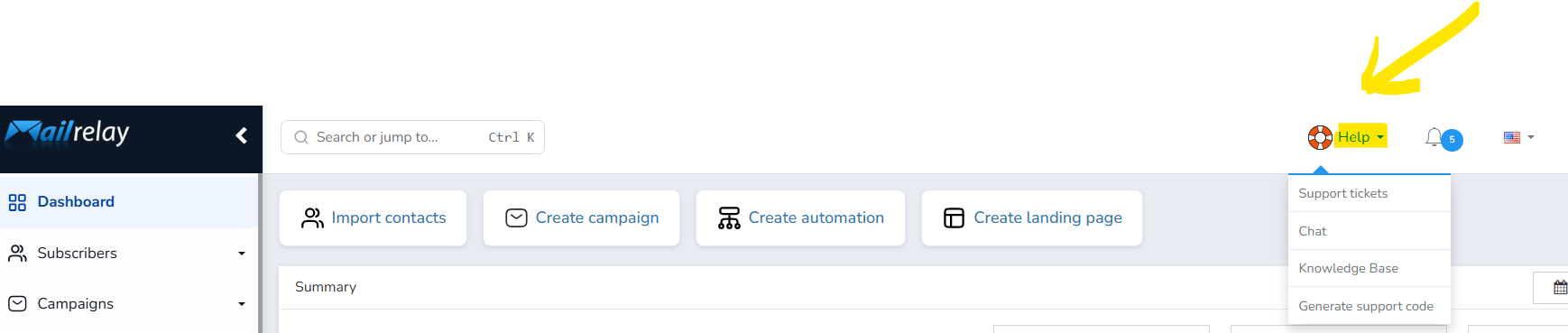
If you are already inside your Mailrelay account you will be able to see the Help menu.
To create a new support ticket click on Help --> Support tickets in the top sidebar menu
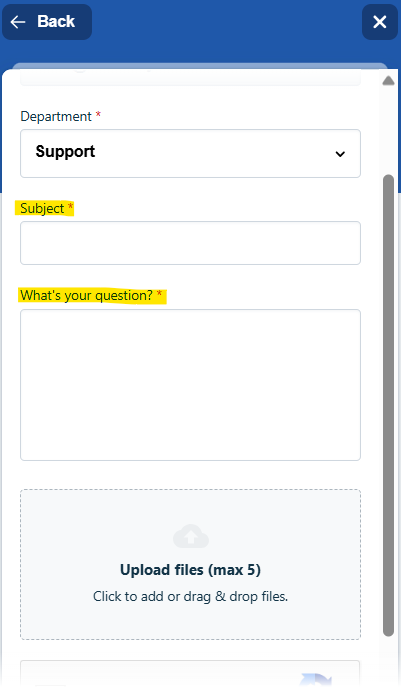
Then click on the New ticket option:

Choose the department to which you will ask the question (ie billing if you have a payment inquiry).
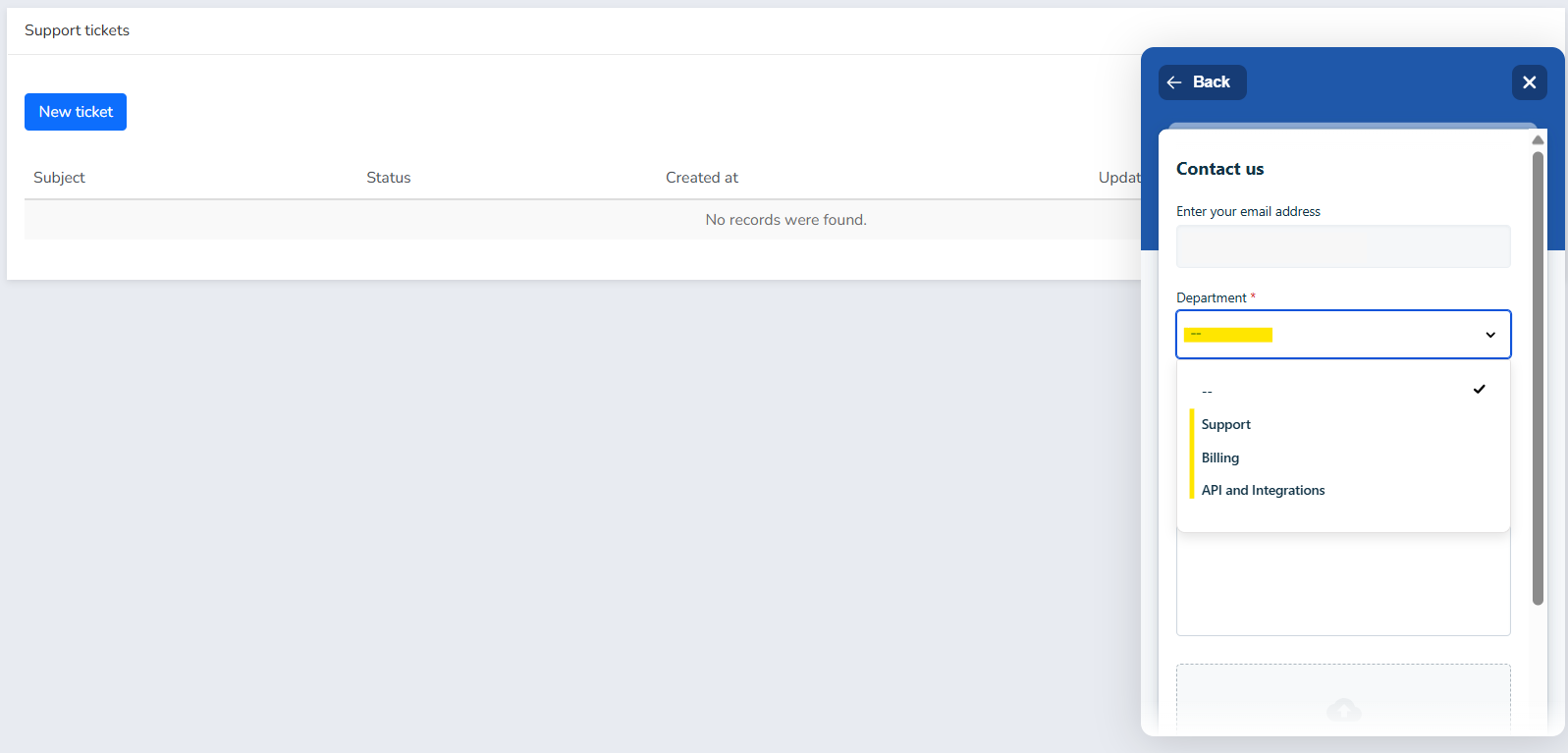
Just write briefly your question and then develop all the questions or doubts you have:
In case you want instant help, then go for the chat option in Help --> Chat.
Choose the department you want to chat with:
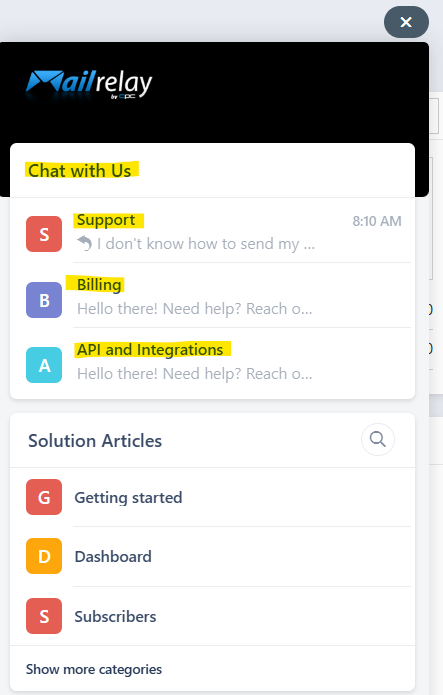
And our team will answer all your questions in real time in this chat.
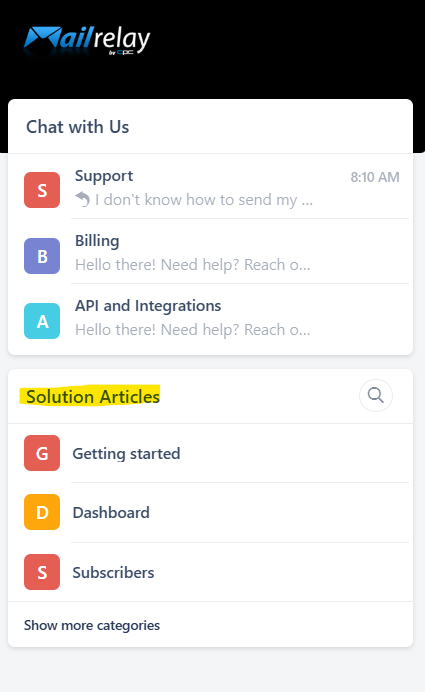
You also have access to Solution Articles:
With all these options the Mailrelay team will surely be able to help solve any doubts you have about the email marketing service.
Was this article helpful?
That’s Great!
Thank you for your feedback
Sorry! We couldn't be helpful
Thank you for your feedback
Feedback sent
We appreciate your effort and will try to fix the article